概览
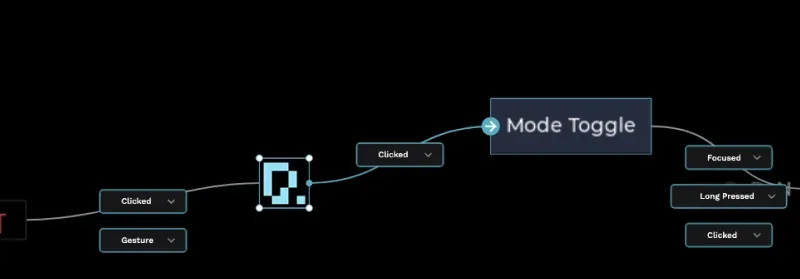
PicoPixel 是面向 LVGL 的 ultimate editor:一个类似 Figma 的 workspace,用于可视化构建 embedded UIs,并围绕 LVGL 项目实际交付方式提供 reusable components、libraries、assets 和 collaboration tools。
在 PicoPixel 中构建 UI 后,你可以导出 C code,并在几乎任何能运行 LVGL 的设备上使用。PicoPixel 当前支持 LVGL 8.x,并且计划支持 LVGL 9。
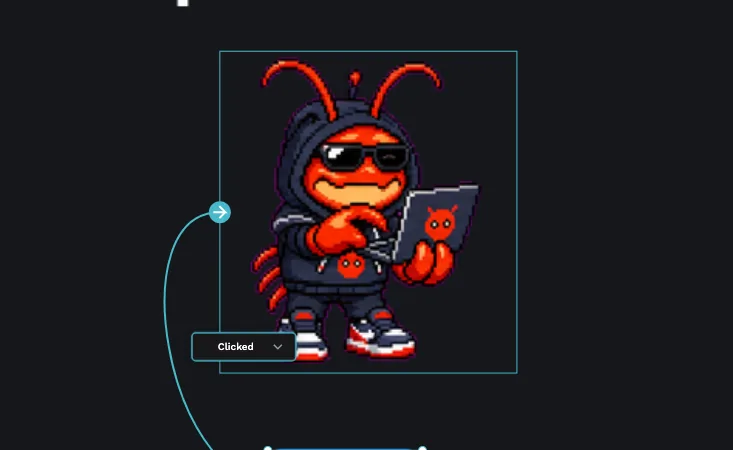
Templates、UI kits、examples、sprites、widgets 和 full apps 都是这一流程的起点。有些由 PicoPixel development team 构建,有些由 users 和更广泛的 community 创建。如果你有有用内容想分享,请看 How to submit a template。
template 到底是什么
PicoPixel template 只是一个 .picopixel 文件。背后没有魔法:它与你从自己 workspace 导出的文件是同一种文件。
这意味着 template 可以包含 screens、LVGL widgets、reusable components、colors、fonts、images、animated images、sprites 和其他 assets。打开或导入后,你不会被锁定在原始设计中。你可以编辑它、精简它、复制部分到另一个文件、发布为 team library,或导出为 LVGL C code。
重要概念是:template 不只是 screenshot。它是一个可编辑的 PicoPixel project file,可以成为你自己 LVGL workflow 的一部分。
在哪里找到 templates
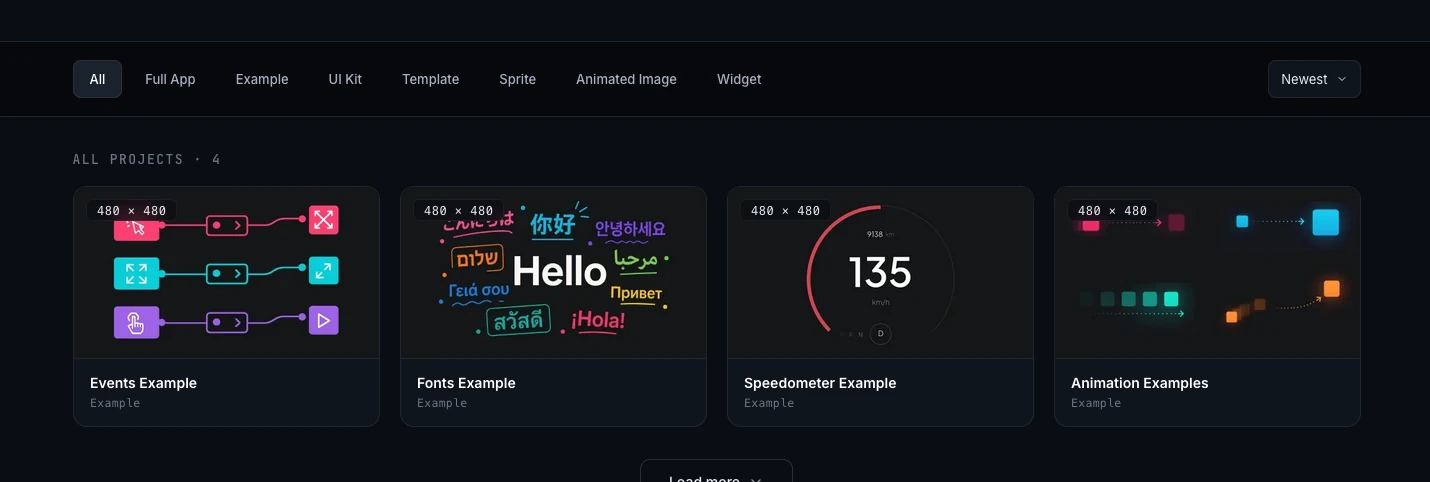
主要浏览位置是 PicoPixel templates gallery。你可以按 project type 筛选 gallery,打开 project detail page,预览包含内容,并选择如何把它带入 PicoPixel。
你也可以从 GitHub 访问同一组文件:
如果你更喜欢直接下载文件、检查 project history,或把 .picopixel files 与其他 project assets 放在一起,GitHub 会很有用。
选择合适的起点类型
gallery 包含多种文件。请根据你想借用的内容来选择。
- Full App,完整 app project。未来更多 full app entries 可能包含 firmware binary,让刷写硬件更容易。目前请专注于打开 UI file、自定义它,并为自己的 firmware 导出 UI code。
- Example,展示某个 workflow、widget、layout 或 interaction pattern 的聚焦参考项目。
- UI Kit,可跨多个 products 调整使用的一组 reusable components、styles、screens 和 assets。
- Template,可自定义成自己 interface 的 ready-made screen 或 project layout。
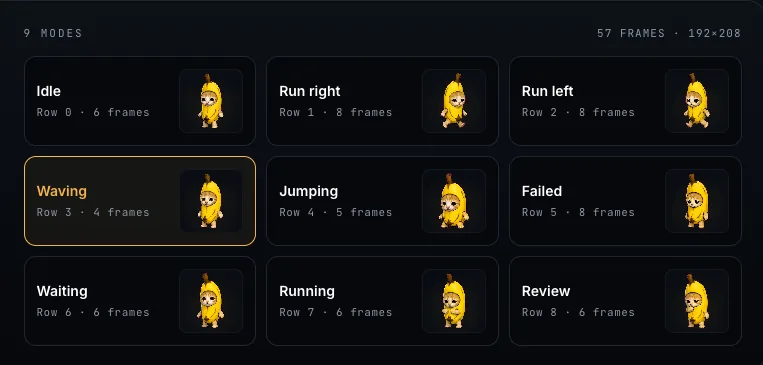
- Sprite,可复用的 animated、multi-state LVGL widget。了解 PicoPixel 中 sprites 的工作方式,请看 What is a sprite?。
- Animated Image,围绕 LVGL animated image frames 构建的文件或 example。详情见 Working with the LVGL Animated Image Widget。
- Widget,可放入更大 UI 的自定义 LVGL widget 或 component。
如果不确定从哪里开始:想学习一种 behavior 时用 example;想要可复用 building blocks 时用 UI kit;想要已经接近目标的 screen 时用 template。
打开或导入文件
在 templates gallery 中点击任何看起来有用的 project。你会进入 project detail page,其中包含 preview、metadata、gallery images 和 action buttons。
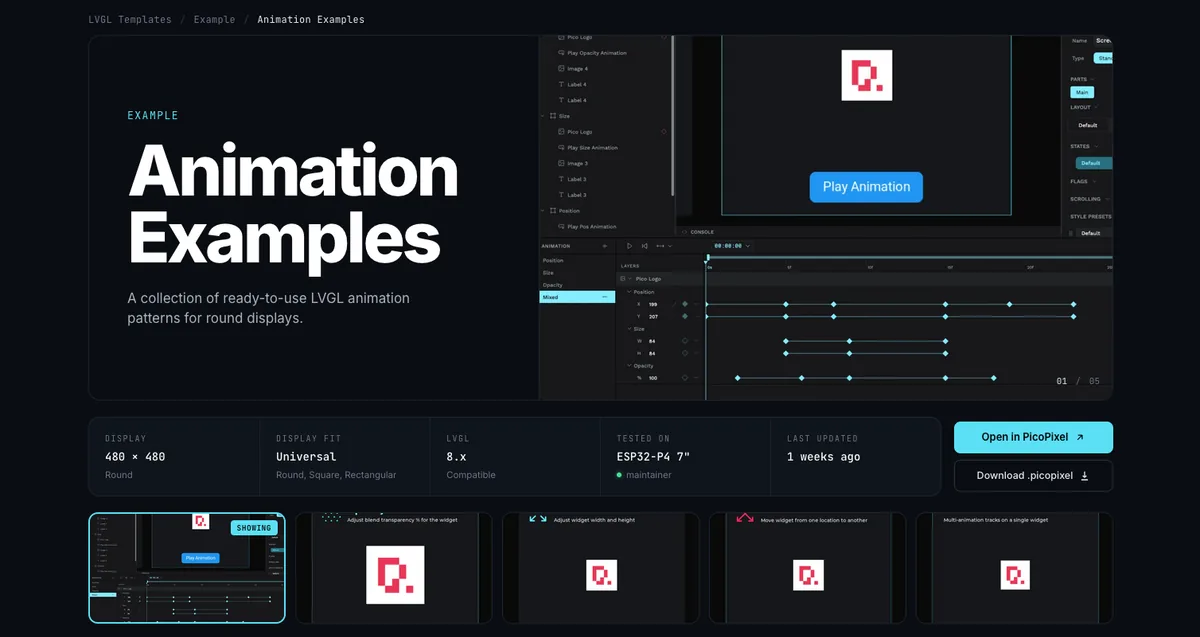
将文件添加到 PicoPixel workspace 常见有三种方式。
- 点击 Open in PicoPixel。当你希望 PicoPixel 直接在 editor 中打开文件时,这是最快路径。
- 点击 Download .picopixel。这会把文件保存到本地,方便之后导入、备份或与 firmware project 分享。
- 从 GitHub 下载
.picopixel文件,然后拖放到 PicoPixel,或从 editor 导入。
文件进入 PicoPixel 后,它的行为就像任何其他 PicoPixel project。重命名、复制、编辑 screens、替换 assets、更改 fonts、调整 colors,并在准备好时导出。
复用内部内容
template 导入后,基本上你可以自由处理。你可以把整个文件作为起始 project,也可以把它当成零件库。
许多文件包含可复用 assets,例如 images、colors、fonts、animated image frame sets 和 components。打开 Assets tab 可以看到随文件带来的内容。
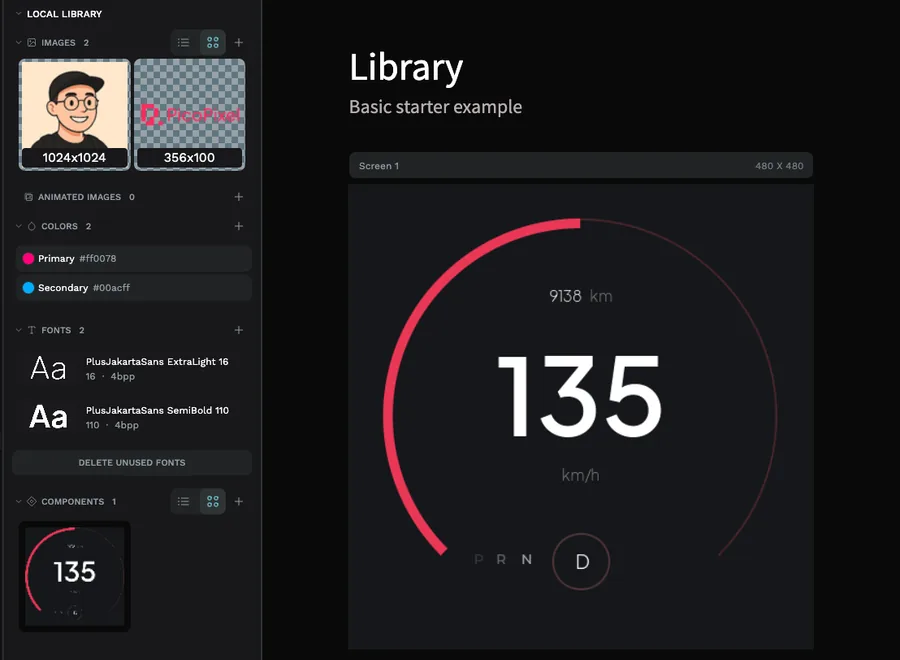
如果文件包含 reusable LVGL widgets 或 components,你可以把它变成 team library,并从其他文件 link 它。这对 UI kits 和 widget packs 特别有用:将 source file 作为主 library,然后把它的 components 拉入每个 product UI。
完整流程请阅读 Guide to libraries and reusable LVGL components in PicoPixel。它说明 local libraries、published team libraries、linked libraries,以及 component updates 如何在文件之间移动。
导出到设备
UI 准备好后,从 PicoPixel 导出 LVGL C code,并将它集成到开发板 firmware。只要 firmware 和 LVGL configuration 针对你使用的 widgets 和 assets 配置正确,导出的 UI 几乎可以在任何支持 LVGL 的设备上运行。
请注意内存。大型 images、animated image frames、sprites、大 fonts 和复杂 full-screen layouts,可能需要比小开发板默认配置更多的 RAM 和 flash。如果在 PicoPixel 中看起来正常,但刷入后不显示,请检查 LVGL configuration、image sizes、color depth、heap allocation 和 display buffer setup。
Templates 是起点,不是硬件保证。务必确认你的开发板有足够 RAM 和 flash 来运行导出的 UI,尤其是使用 animated images、sprites、大 fonts 或大量 image assets 时。
分享和权限
Community templates 来自 PicoPixel team 和 users。如果你想分享自己的文件,请按照 How to submit a template 操作,这样 PicoPixel team 就有 review 所需的 file path、credits、description 和 permissions。
对于 submissions 和 imports,请查看 Terms 与 Privacy Policy。只提交你拥有或获得许可可分享的内容,包括 images、icons、fonts、screenshots 和 brand assets。
如果你看到 public template 或其他 community item 看起来不该存在,请看 How to report content。
下一步
- Templates gallery,浏览可用
.picopixelfiles - How to submit a template,与 community 分享你的 PicoPixel file
- Guide to libraries and reusable LVGL components in PicoPixel,跨文件复用 imported components
- What is a sprite?,了解 multi-state animated widgets 的工作方式
- Working with the LVGL Animated Image Widget,理解 frame-based LVGL animations