概要
PicoPixel は LVGL のための ultimate editor です。Figma のような workspace で embedded UIs を視覚的に構築でき、LVGL projects が実際に出荷される流れに合わせて reusable components、libraries、assets、collaboration tools を備えています。
PicoPixel で UI を作ると、C code を書き出し、LVGL を実行できるほぼ任意のデバイスで使えます。PicoPixel は現在 LVGL 8.x をサポートしており、LVGL 9 support is planned です。
Templates、UI kits、examples、sprites、widgets、full apps は、この workflow の出発点です。PicoPixel development team が作ったものもあれば、users や wider community が作ったものもあります。役立つものを共有したい場合は How to submit a template を参照してください。
template の正体
PicoPixel template は単なる .picopixel ファイルです。裏に魔法はありません。自分の workspace から export できるものと同じ種類のファイルです。
つまり template には、screens、LVGL widgets、reusable components、colors、fonts、images、animated images、sprites、その他 assets を含められます。開いたり import したりしても、元のデザインに縛られるわけではありません。編集し、削り、別ファイルに一部をコピーし、team library として publish し、LVGL C code として export できます。
重要なのは、template は screenshot ではないということです。自分の LVGL workflow の一部にできる、編集可能な PicoPixel project file です。
templates の探し場所
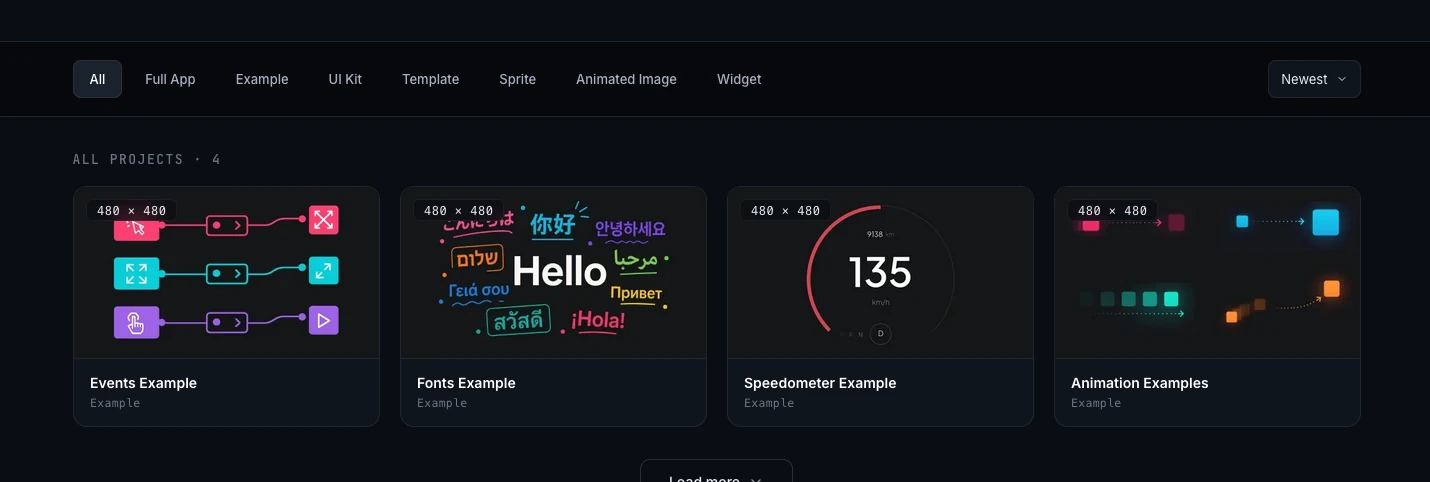
主な閲覧場所は PicoPixel templates gallery です。project type で gallery を絞り込み、project detail page を開き、含まれるものを preview し、PicoPixel に取り込む方法を選べます。
同じファイルコレクションは GitHub からもアクセスできます。
ファイルを直接ダウンロードしたい、project history を確認したい、または .picopixel files を他の project assets と並べて管理したい場合、GitHub が便利です。
目的に合った出発点を選ぶ
gallery には複数種類のファイルがあります。借りたいものに応じて選びます。
- Full App、完全な app project です。将来的には firmware binary を含む full app entries が増え、hardware の flash が簡単になるかもしれません。今は UI file を開き、customize し、自分の firmware 用に UI code を export することに集中してください。
- Example、1 つの workflow、widget、layout、interaction pattern を示す focused reference project。
- UI Kit、複数 products に適用できる reusable components、styles、screens、assets のセット。
- Template、自分の interface に customize できる ready-made screen または project layout。
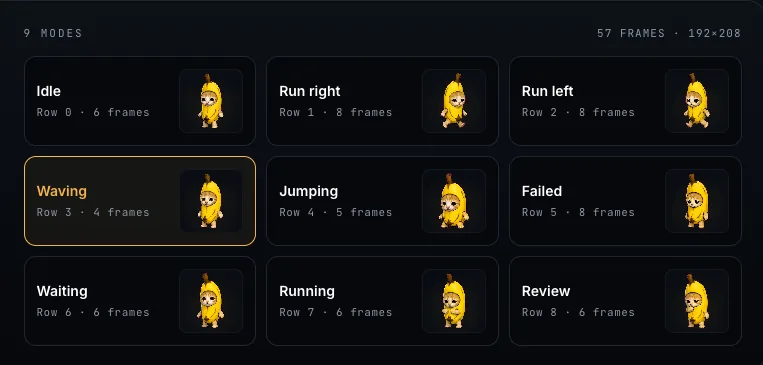
- Sprite、再利用可能な animated、multi-state LVGL widget。PicoPixel での sprites の仕組みは What is a sprite? を参照してください。
- Animated Image、LVGL animated image frames を中心にした file または example。詳細は Working with the LVGL Animated Image Widget を参照してください。
- Widget、大きな UI に入れられる customized LVGL widget または component。
どこから始めるか迷う場合、behavior を学びたいなら example、reusable building blocks が欲しいなら UI kit、作りたいものに近い screen が欲しいなら template を使います。
ファイルを開く、または import する
templates gallery で役立ちそうな project をクリックします。preview、metadata、gallery images、action buttons を持つ project detail page に移動します。
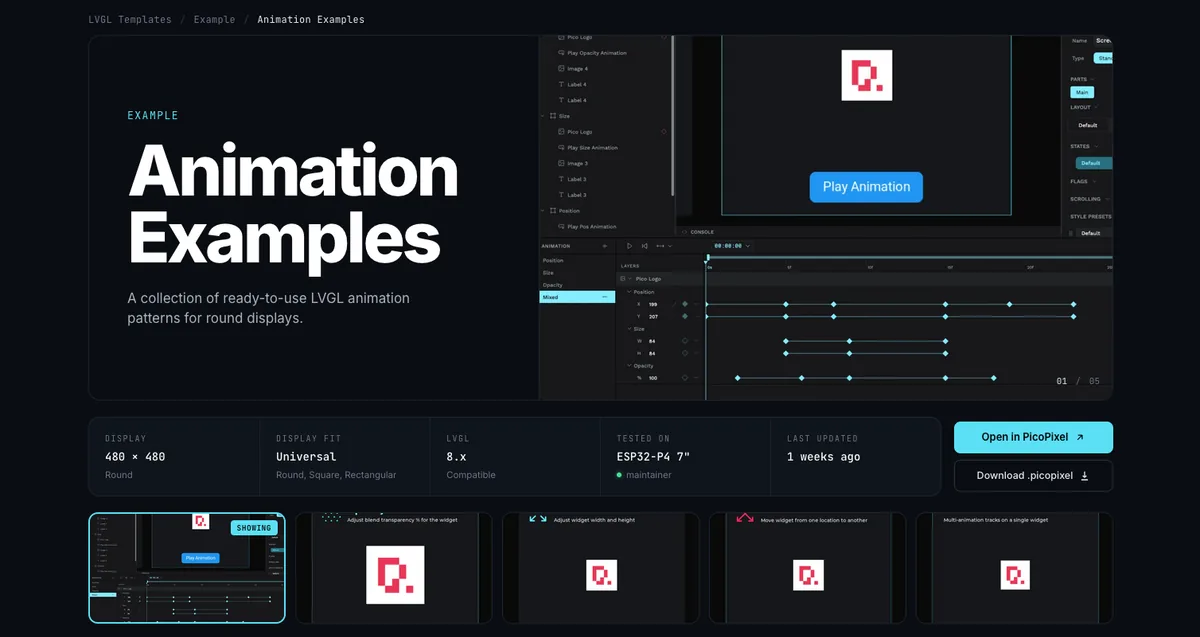
ファイルを PicoPixel workspace に追加する一般的な方法は 3 つです。
- Open in PicoPixel をクリックします。PicoPixel に editor で直接ファイルを開かせたいときの最速ルートです。
- Download .picopixel をクリックします。ファイルをローカルに保存し、あとで import したり、backup したり、firmware project と共有したりできます。
- GitHub から
.picopixelファイルをダウンロードし、PicoPixel に drag and drop するか editor から import します。
ファイルが PicoPixel に入ると、他の PicoPixel project と同じように扱えます。名前変更、複製、screens 編集、assets 置き換え、fonts 変更、colors 調整を行い、準備ができたら export します。
中身を再利用する
template が import されたら、基本的には自由に扱えます。ファイル全体を starting project として使うことも、parts の library として扱うこともできます。
多くのファイルには、images、colors、fonts、animated image frame sets、components など再利用できる assets が含まれています。Assets tab を開くと、ファイルに付いてきたものが見えます。
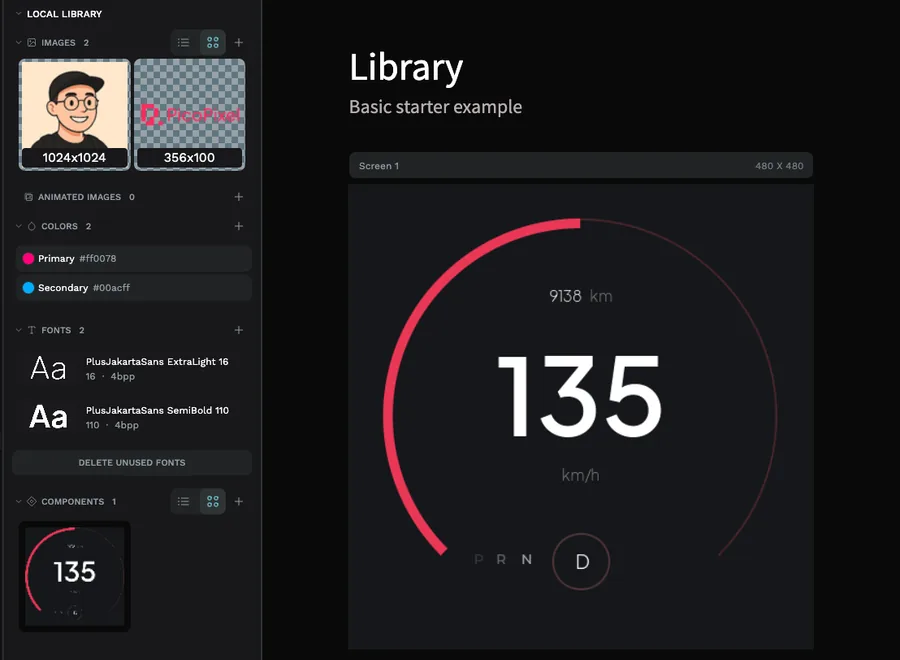
ファイルに reusable LVGL widgets や components が含まれる場合、team library にして他のファイルから link できます。これは UI kits や widget packs に特に便利です。source file を main library として保ち、各 product UI に components を取り込みます。
詳しい workflow は Guide to libraries and reusable LVGL components in PicoPixel を読んでください。local libraries、published team libraries、linked libraries、component updates がファイル間でどう動くかを説明しています。
デバイスへ export する
UI が準備できたら、PicoPixel から LVGL C code を export し、ボードの firmware と統合します。使用した widgets と assets に対して firmware と LVGL configuration が設定されていれば、export された UI は LVGL をサポートするほぼ任意のデバイスで動きます。
メモリに注意してください。大きな images、animated image frames、sprites、大きな fonts、複雑な full-screen layouts は、小さなボードのデフォルトより多くの RAM と flash を必要とすることがあります。PicoPixel では正常に見えるのに flash 後に表示されない場合は、LVGL configuration、image sizes、color depth、heap allocation、display buffer setup を確認してください。
Templates は出発点であり、hardware の保証ではありません。特に animated images、sprites、大きな fonts、多数の image assets を使う場合は、export する UI に十分な RAM と flash がボードにあるか必ず確認してください。
共有と許可
Community templates は PicoPixel team と users の両方によって作られています。自分のファイルを共有したい場合は、How to submit a template に従ってください。そうすれば PicoPixel team が review に必要な file path、credits、description、permissions を得られます。
submissions と imports については Terms と Privacy Policy を確認してください。images、icons、fonts、screenshots、brand assets など、自分が所有している、または共有許可を持つ content だけを提出してください。
public template や他の community item があるべきではないように見える場合は、How to report content を参照してください。
次のステップ
- Templates gallery、利用可能な
.picopixelfiles を見る - How to submit a template、自分の PicoPixel file を community と共有する
- Guide to libraries and reusable LVGL components in PicoPixel、imported components をファイル間で再利用する
- What is a sprite?、multi-state animated widgets の仕組みを学ぶ
- Working with the LVGL Animated Image Widget、frame-based LVGL animations を理解する