
STEP 01

Design
- Drag-and-drop LVGL widgets
- Style colors, fonts & layouts
- Animate in real time
Design, prototype, and export production-ready LVGL UI
Get Started. It's Free!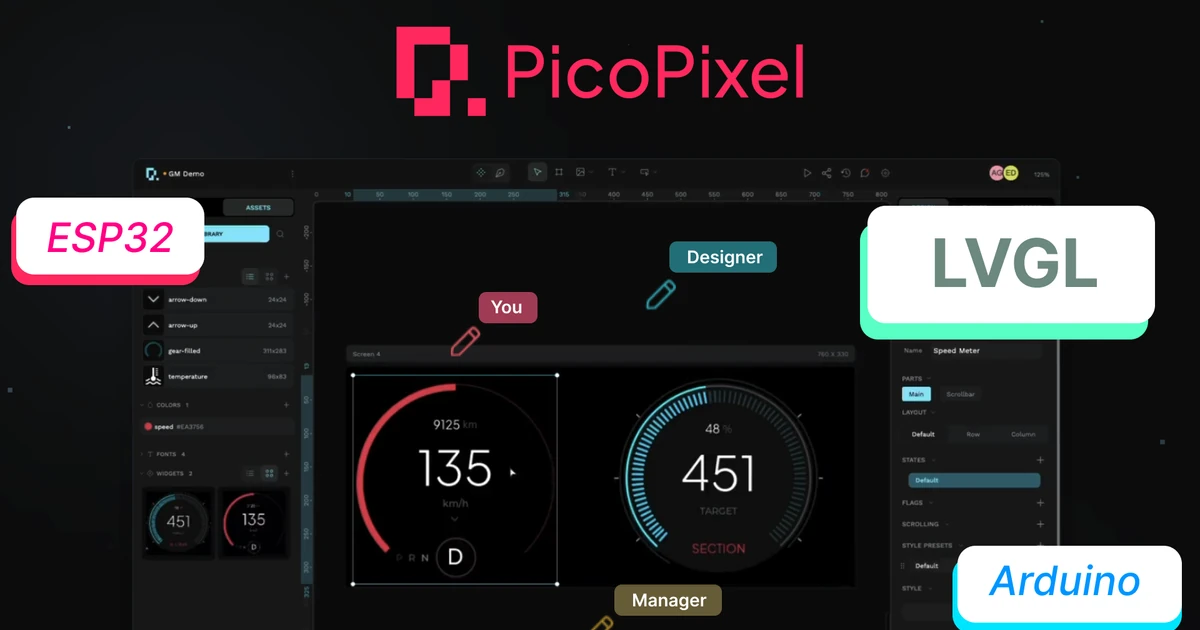
Real-time collaborative editing, leave feedback, see changes as they happen, and keep your team in sync.
PicoPixel is a browser-based visual editor for LVGL. Drag and drop components onto a live canvas, style them visually, and export clean C code ready to compile on ESP32 and beyond.
Think of it as Figma for embedded UIs: real-time collaboration, a built-in simulator, and nothing to install. Explore all features or see how it works.


Key Features
A complete visual toolkit for LVGL, from drag-and-drop layout to production-ready code export.

Add widgets onto a pixel-perfect LVGL canvas. See every change in real time as you build.

Track every change with built-in version control. Use the Actions panel for granular session history and precise rollbacks.

Reusable widgets, images, fonts, and colors. Drag and drop to build new interfaces.

Send simulator links to clients or teammates. They can view progress and interact with your UI live.

Drag and drop event handlers onto widgets and buttons. Wire up LVGL actions, transitions, and callbacks without writing code.
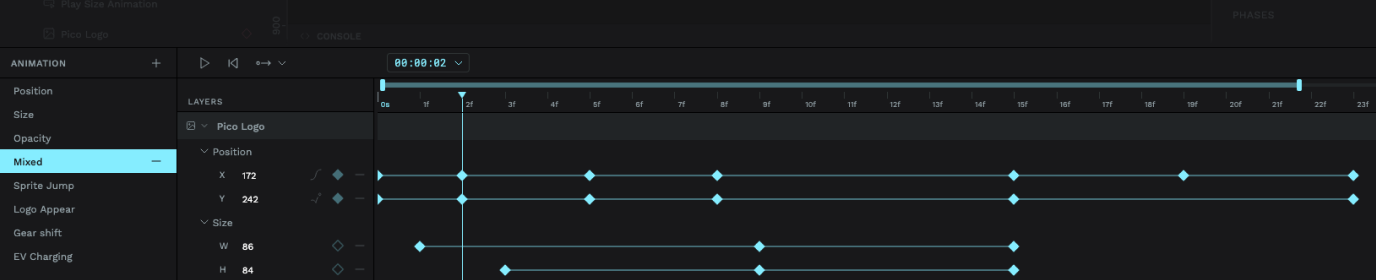
Keyframe position, size, opacity, and more right on a visual timeline. Then layer animations across frames and preview smooth LVGL transitions without writing a single line of code.


PicoPixel generates standard LVGL C code that compiles on any platform with an LVGL port, including ESP32, STM32, Arduino, Raspberry Pi Pico, and dozens of other microcontrollers.
From blank canvas to production-ready C code in three steps.


Since my time at an Apple-acquired startup where I worked on a couple of Watch prototypes, I've been itching to get back closer to hardware. A little over a year ago I finally started building my own, and couldn't find an LVGL editor I actually liked using. So I built one.
I recently left my day job to focus on the hardware and PicoPixel full‑time.
If you're trying it out, I'd genuinely love your feedback. The good, the bad, the weird edge cases.
No credit card. No time limits. Jump straight into the visual LVGL editor and bring your embedded interfaces to life, whether you’re building for ESP32, Arduino, M5Stack, or any LVGL-compatible board. See all features.